Set your time. Start your day.
Set alarms, choose repeat days and make room for your morning.
Download on the App StoreIn-app purchases available.
Requires iOS 26 or later.

A schedule that fits your day.
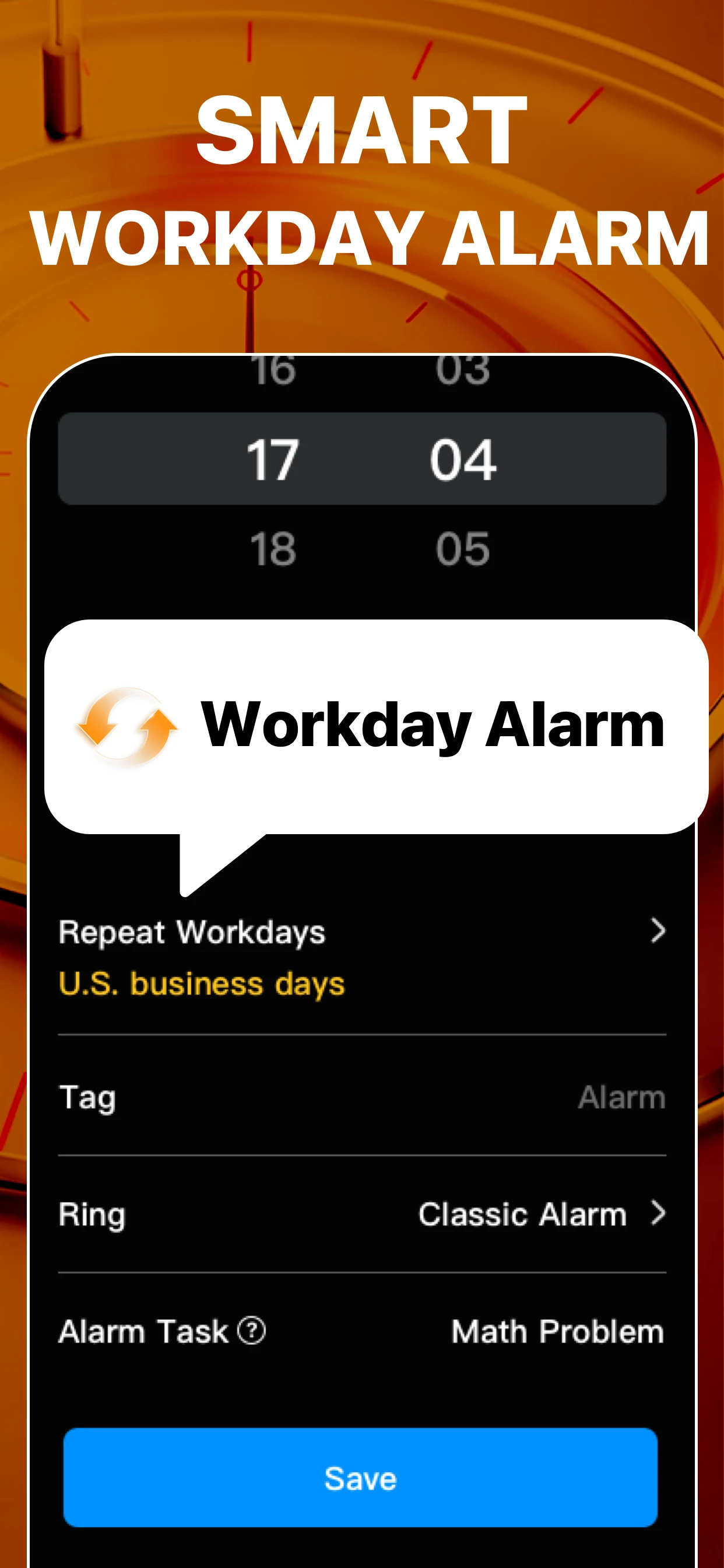
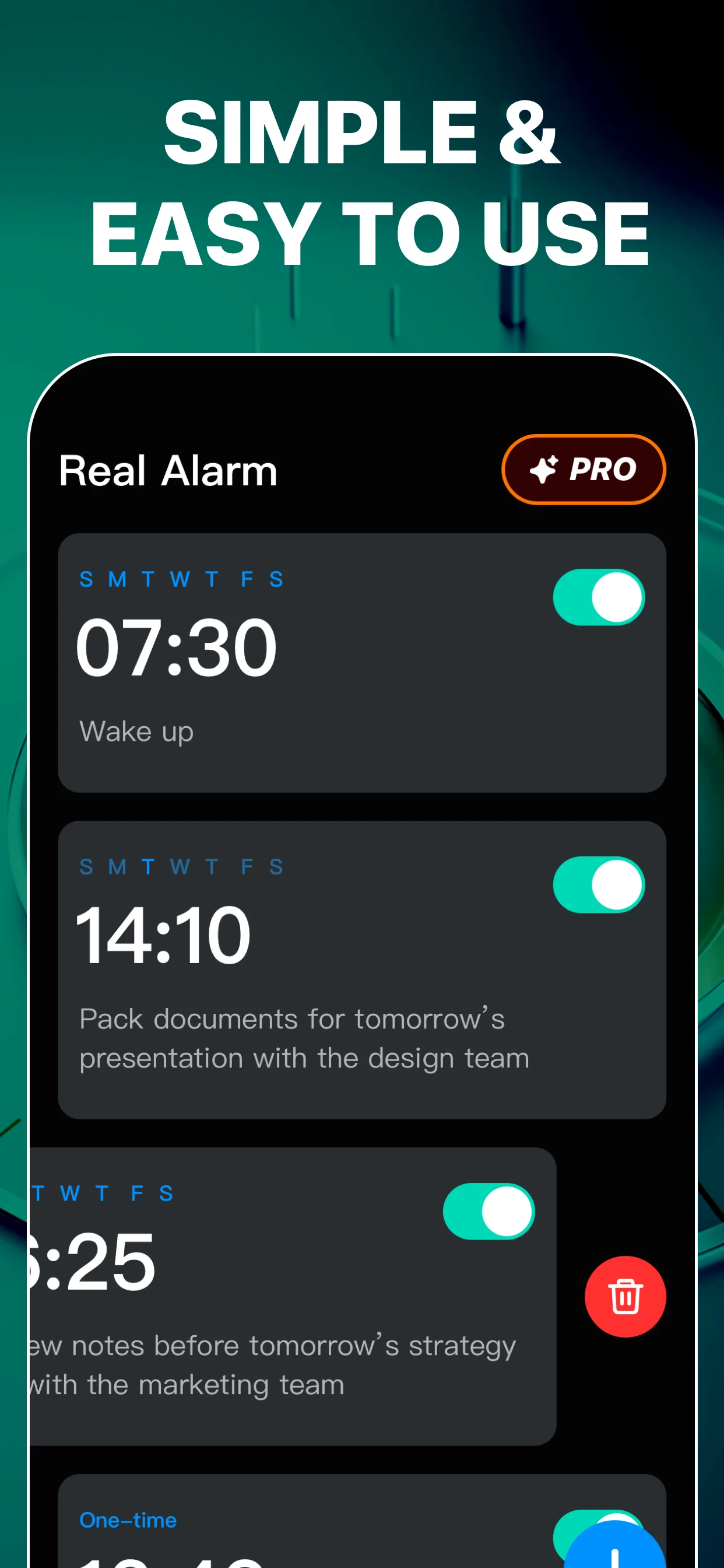
Choose a time, set the repeat and review the alarm.
A few choices before morning.
Set a time
Choose the hour and minute for your alarm.
Choose repeat days
Review the repeat options available in the app.
Review your setup
Check the sound, permissions and saved alarm.
Current App Store artwork. Options may vary.
Check it before the morning.
Review the time, repeat days and sound. Try a short test alarm on your own device.
Explore the alarm guidesA little setup for the day ahead.
Before your next morning.
Need help? Visit Support.
What iOS version do I need?
RealAlarm requires iOS 26 or later. Review alarm permissions and settings on your device.
Does RealAlarm include purchases?
Some features require an in-app purchase. Review the current offer and regional pricing in the app before purchasing.
Can I set alarms on this website?
Set and manage alarms in the RealAlarm app. This website provides product information, guides and support.